What Is a Phishing Site?
A phishing site is a counterfeit website designed to look identical to a legitimate service. When users enter their credentials (username, password, 2FA codes) or send cryptocurrency to deposit addresses on a phishing site, the attacker captures everything.
Darknet market phishing sites are particularly sophisticated because:
- Victims cannot easily warn others without compromising their anonymity
- Cryptocurrency transfers are irreversible — there is no recourse after sending to a fake address
- Fake sites are distributed through every community channel: forums, Telegram, Reddit, wiki sites
- The sites are hosted on Tor, making them appear legitimate to casual inspection
- Attackers generate hundreds of slightly different onion addresses that visually resemble the real one
The only reliable protection is a rigorous verification process applied every time you access the marketplace, without exception.
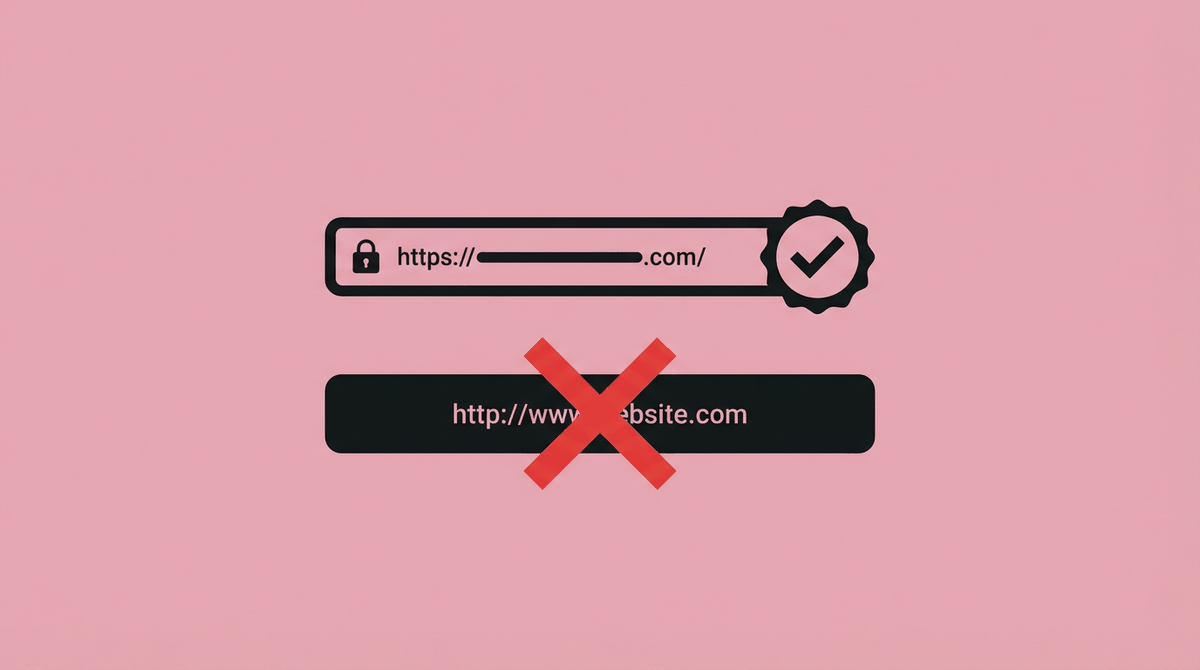
Quick Phishing Check
- ✓Does the full 56-char address match exactly?
- ✓Can you verify it with the official PGP key?
- ✓Did you get the link from a trusted source?
- ✓Does the site's PGP canary verify correctly?
- ✓Is the page loading normally without unusual prompts?
If any answer is NO — close the browser tab immediately.
Warning Signs of a Phishing Site
Slightly Different Onion Address
The most common tell. Attackers register new onion addresses that look visually similar — substituting characters like l for 1, 0 for o, or using look-alike Unicode characters. Always verify the full 56 characters.
Unusual Login Prompt
Phishing sites often show a login form before the main content loads, or immediately after a redirect. Legitimate marketplaces show their front page first. An immediate login demand without the site loading completely is suspicious.
Modified Deposit Addresses
Sophisticated phishing attacks allow users to log in normally but replace all deposit cryptocurrency addresses with attacker-controlled addresses. Always double-check the first and last 8 characters of any deposit address against a known-good reference before sending funds.
No PGP Canary / Invalid Signature
Legitimate marketplaces publish regular PGP-signed "canary" messages proving they have not been seized or compromised. If the canary is missing, outdated, or the signature fails verification, the site should be considered suspect until verified through alternative means.
Link Sourced from Untrusted Channels
Any link distributed via Telegram, Reddit, Discord, Twitter/X, or darknet forums should be treated as potentially malicious until verified. Attackers actively seed these channels with phishing links and often pay forum users to promote fake sites.
Unusually Attractive Offers
Phishing sites sometimes offer exceptional deals, reduced escrow fees, or special promotions to attract users and encourage them to deposit quickly. "Too good to be true" offers on a newly discovered link are a major red flag in darknet market contexts.
How to Verify a Darknet Market Link
-
Get Links Only From This Site or PGP-Signed Announcements
The safest way to access the marketplace is to bookmark verified links from this site (torzon1market.info/lgn/) or obtain them from official PGP-signed announcements. These are the only sources that can be cryptographically authenticated.
-
Download the Official PGP Public Key
Import the market's PGP public key from our access page. Use GPG to import:
gpg --import market-key.asc. Store the key fingerprint in a secure location so you can re-verify it later. -
Verify the PGP Signature of the Link List
The official link list is signed by the market's PGP key. Download the signed message and verify it:
gpg --verify links.asc. If it says "Good signature from TorZon Market", the links are authentic. If it says anything else — stop. -
Compare the Full Onion Address Character by Character
After verification, compare the full 56-character address character by character against the verified copy. Pay special attention to the beginning and end of the address, as attackers often match the easily-remembered parts and substitute in the middle sections.
-
Check the PGP Canary on the Site
After navigating to the site, verify the PGP canary immediately. The canary should be signed with the same key, dated within the last 1–4 weeks, and contain a valid signature. An absent or outdated canary is a serious warning sign.
-
Bookmark and Use Only the Bookmark
Once verified, bookmark the address in Tor Browser. For every future visit, use only this bookmark. Never click links to the marketplace from anywhere — even from this site — without first verifying them using the steps above. The few minutes this takes is worth it every time.
Access the Verified Links Now
Get PGP-authenticated onion addresses and the official public key.
GET VERIFIED LINKS →